
Granular network filters
Combine country, region, city, ASN and provider filters without maintaining your own proxy inventory.
Route through healthy mobile-class IPv4 exits with precise network and location targeting.

CONFIGURE FROM THE LIVE POOL
The PXGate customer dashboard builds its country, region, city, ASN and provider selectors from healthy exits currently available in the pool.
Combine country, region, city, ASN and provider filters without maintaining your own proxy inventory.
Use rotating routing or create multiple sticky sessions with precise targeting filters.
Restrict generated endpoints to healthy exits below your chosen maximum latency.
START IN MINUTES
PXGate provisions your proxy authentication automatically.
Select location, ASN, provider and session behavior from live inventory.
Copy an HTTP(S) or SOCKS5 endpoint directly from the configurator.
Reuse the gateway from scripts, browsers or automation while tracking usage in the dashboard.
TYPICAL USE CASES
Validate public mobile-facing pages and services from mobile-class networks.
Compare public ad delivery and landing pages across available mobile networks and regions.
Check regional content differences where a mobile-network perspective matters.
Gather publicly accessible market information through mobile-class exits.
CONFIGURE WITH CONFIDENCE
Choose the proxy class that matches your testing or public-data workflow. Target available countries and cities, use network-level ASN selection and decide whether rotating or sticky connections are more appropriate.
Available filters depend on healthy exits; selecting a country or city does not guarantee a constant exit or uninterrupted access. Detailed configuration examples are documented separately.
See configuration examples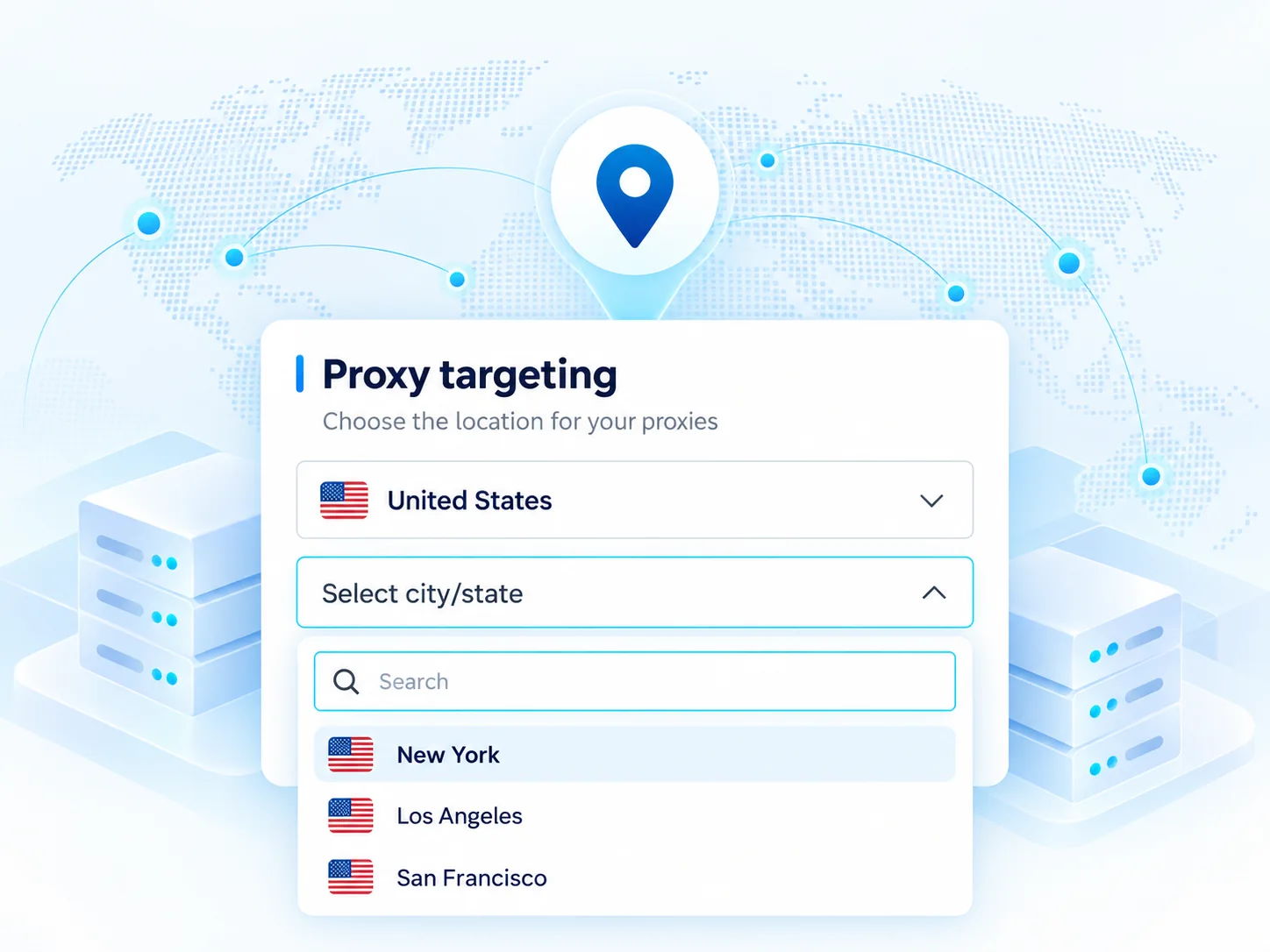
QUICKSTART
The default PXGate gateway is proxy.pxgate.xyz. Your customer dashboard generates the exact username/password modifiers for the targeting you select.
curl -x http://proxy.pxgate.xyz:3128 \
  -U 'USERNAME:PASSWORD_type-mobile_country-nl_asn-112' \
https://api.ipify.orgPAY FOR WHAT YOU USE
Your account can have custom rates configured by PXGate admin.